A New Workflow: How Custom Prompts that Keep the Human-in-the-Loop
We've all been there: a great idea strikes, you know exactly what you want to share, but by the time you sit down at your keyboard, the friction of formatting, scaffolding, and just starting drains all the momentum.
Between work, side projects, and life (the baby is quite demanding recently), time is a premium, and the blank page (or markdown file in this case) can be a formidable adversary.
Lately, I've unlocked a new workflow that completely changes this dynamic.
I'm leveraging custom prompts in my workspace to scaffold my writing, and it's been a game-changer.
One thing to mention here is that the prompts are custom, they're tailored to my specific needs, preferences and voice, which means the AI is working with me, not against me.
And I keep a firm hand on the content, so I wouldn't say this is "AI writing" in the traditional sense. It's more like my personal assistant that takes care of the busywork, while I still drive the ideas and edit the final output.
It's still an experiment, but I like it so far, in fact I like it so much that I wanted to share it.
How Custom Instructions Prompts Work
Instead of opening a chat and typing a generic "write a blog post about X," I've set up custom prompt files (like .prompt.md) right in my workspace. These prompts are loaded with my specific instructions. They know my file structure, my preferred Markdown format, how I like my metadata, and most importantly, the tone and style I prefer. (For more info about custom instructions in vscode read: https://code.visualstudio.com/docs/copilot/customization/custom-instructions)
When I have an idea, I just trigger the custom prompt and give it my rough thoughts. The AI instantly scaffolds the file, sets up the front matter, and outlines the draft using my exact guidelines.
The Human is Still in the Loop
Now, I want to be clear: this isn't about being lazy or filling the internet with fully AI-generated fluff. I'm still the core driver of the content and the human responsible for the content of this blog. It's my brand, it's my name and my page. The AI isn't doing the thinking for me. I cannot let it, I won't and that's why I'm the human-in-the-loop (want to read more, visit: HITL)
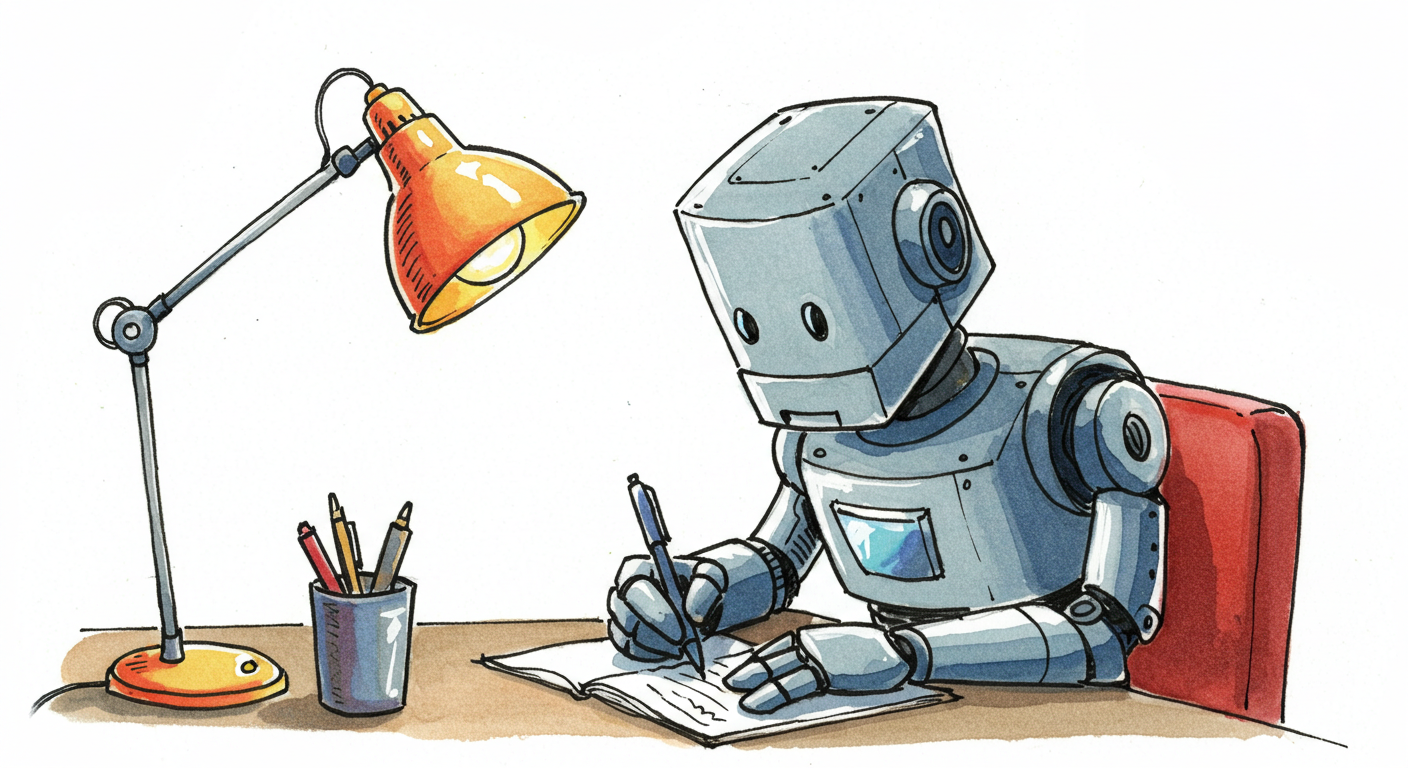
Instead it's acting like a hyper-competent assistant that takes care of the busywork. It saves me time on the mechanics of writing, but the ideas, the voice, and the final edits are all me.
Maximising Value for the Time You Have
For me, this approach comes down to respecting the time I have while maximising the value I can deliver to whoever is reading. Or even the value to myself, as I get my thoughts out of my head and onto the page faster, document and share them.
If removing the friction of a blank page means the difference between a post actually getting published or dying in a "Draft" folder, then this workflow is a massive win. It lets me focus on the actual ideas rather than the mechanics of producing the post.
In the end, custom prompts aren't about outsourcing the writing process—they're about outsourcing the friction. By letting the AI handle the structural boilerplate, I can preserve my limited time for the part that actually matters: sharing genuine ideas and experiences. If you write regularly and find yourself discouraged by the initial setup, give custom workspace prompts a try.